A CRM (Customer Relationship Management system) helps you track leads, follow-ups and customers in one place. Tools like Zoho or Salesforce work for many companies, but growing SMEs often find them expensive, complex, or not suited to their workflow. That is when a custom CRM makes sense.
Step 1: Map your sales process
Write down every stage a lead goes through — enquiry, call, site visit, quotation, negotiation, won/lost. Note who is responsible at each stage and what information they need.
Step 2: Define must-have features
- Lead capture from website, Facebook, IndiaMART and WhatsApp
- Automatic lead assignment and follow-up reminders
- Quotation and invoice generation
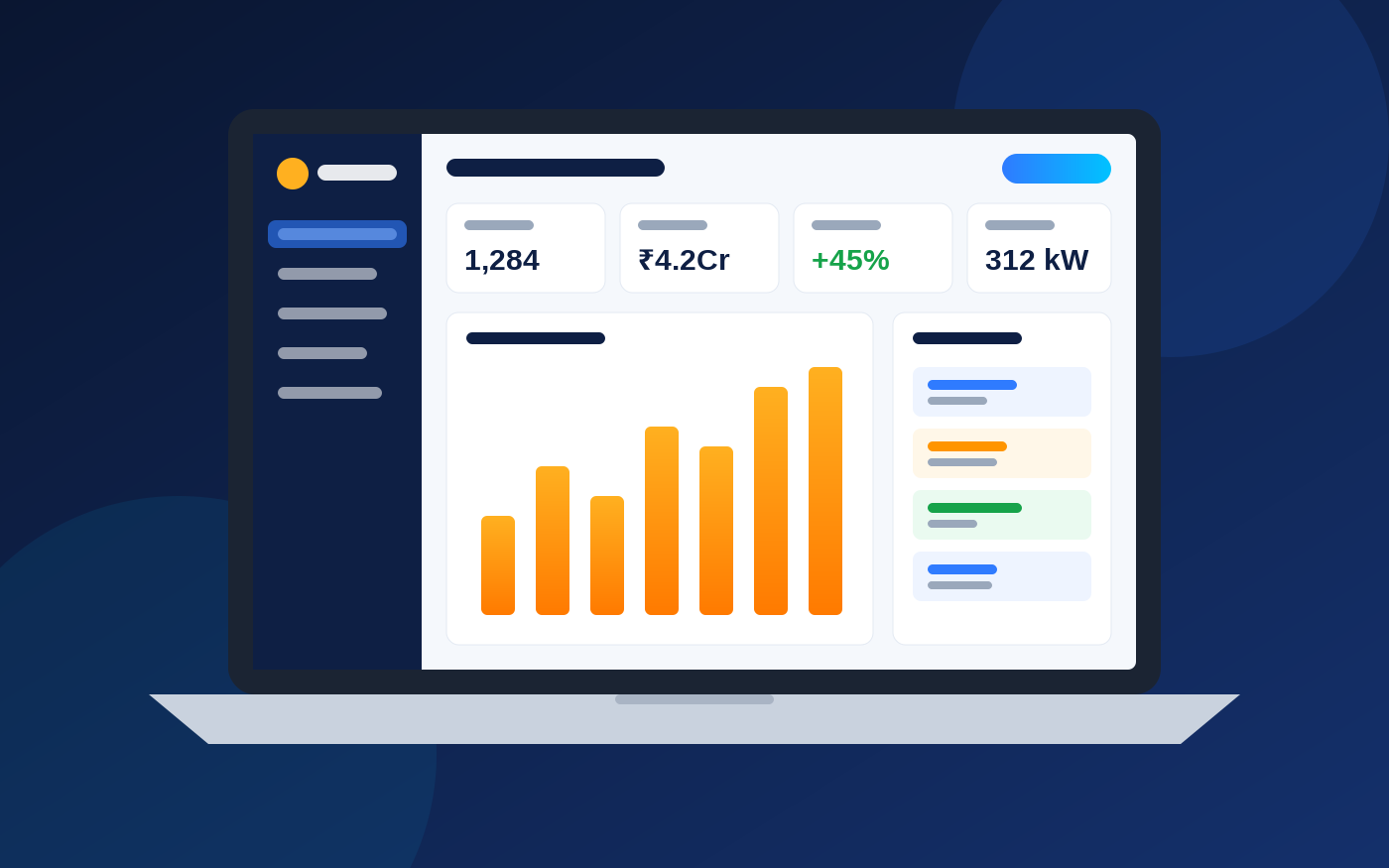
- Dashboards for owners and managers
- Mobile access for field sales teams
Step 3: Start with an MVP
Build the most important 20% of features first. Get your team using it within 6–8 weeks, then add modules based on real feedback.
Step 4: Choose the right technology
We typically use Laravel + MySQL for the backend, React for a fast dashboard, and Flutter for the mobile app. This stack is secure, cost-effective and easy to maintain.
Step 5: Migrate data and train your team
Import your Excel data, run a short training session, and appoint an internal champion. Adoption is the single biggest factor in CRM success.
Custom vs ready-made: the cost view
A 20-user subscription CRM can cost ₹3–6 lakh per year — forever. A custom CRM is a one-time investment with low maintenance costs, and you own it completely.